
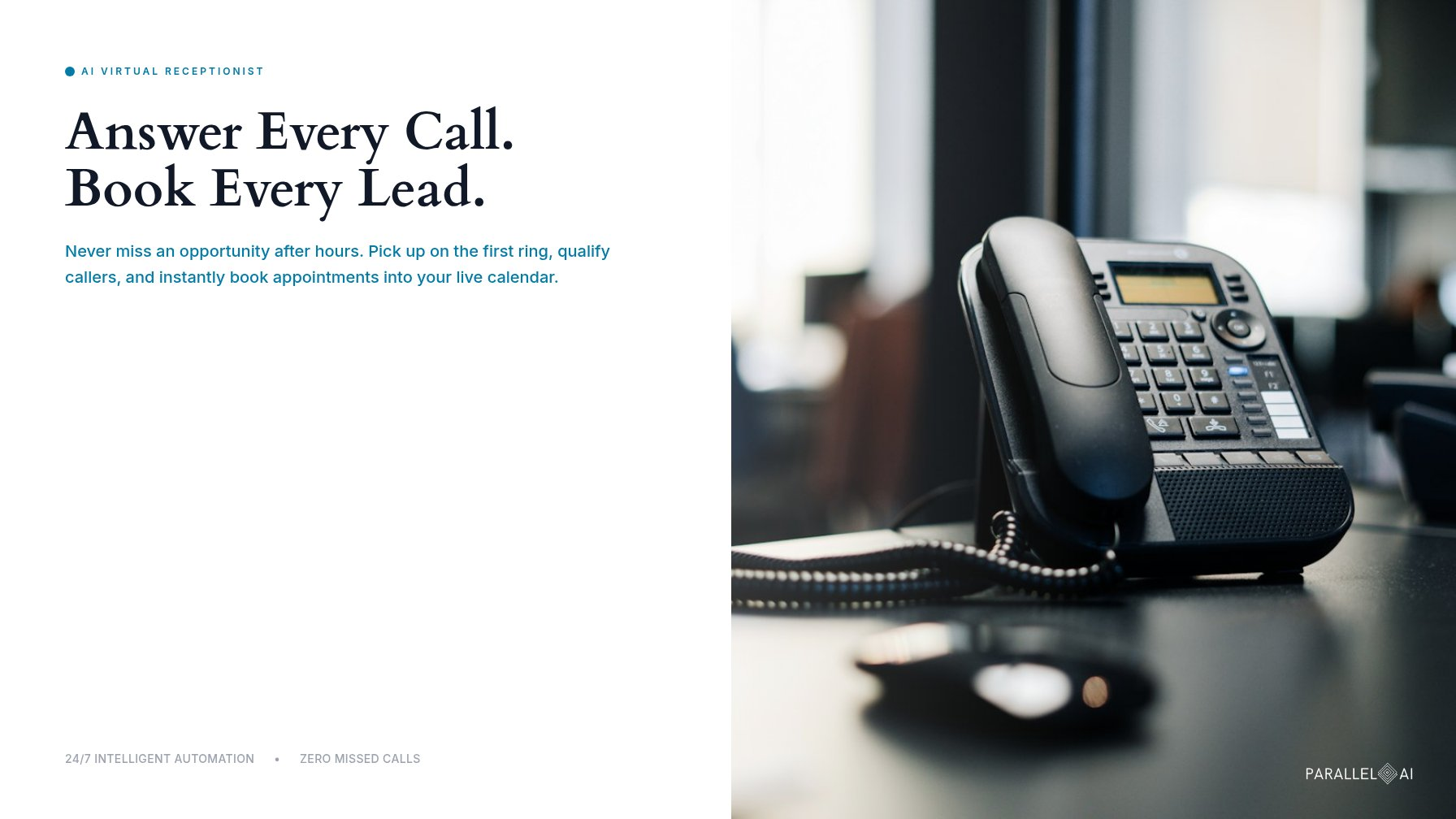
Your phone rings at 7:40 on a Tuesday night. The office emptied out at five. The caller waits through four rings, gets voicemail, and hangs up without leaving a message. Then she calls the next business on the list and books with them before 8:00.
A virtual receptionist AI answers every call your team can’t take. It picks up on the first ring, qualifies the caller, books the appointment, and sends a text confirmation. No hold music, no voicemail, and no lead dialing your competitor while your phone rings out.
That last scenario is expensive. A caller who can’t reach you doesn’t wait. They call the next name on the list, and the job goes with them. For a home services company, it’s an emergency repair. For a law firm, it’s a case that never reaches intake.
Ten years ago, this problem had two bad fixes: hire around the clock or accept the missed calls. Large language models changed the math. The result is a front desk that talks like a person and books like software.
This guide walks through how a virtual receptionist AI works, what it costs, and how fast you can launch one. You’ll see the full call flow, the research on missed calls, and the industries where the technology pays off first. By the end, you’ll know if it fits your business. You’ll also know what to ask a vendor before signing anything.
What is a virtual receptionist AI?
A virtual receptionist AI is software that answers your business calls in natural conversation. Callers speak normally. The AI listens, works out what they need, and replies in real time. There’s no “press 1 for sales.”
Modern AI receptionists run on large language models. That gives them three abilities older phone systems never had:
- Real conversation. The AI handles interruptions, accents, and open-ended answers. Callers can just talk.
- Your rules. You set the qualifying questions and booking logic, and the AI applies them on every call, the same way, every time.
- Real action. It does more than take a message. It checks your live calendar, books the slot, and texts a confirmation.
Virtual receptionist AI vs. answering service
A traditional answering service staffs a call center with human agents. They read from a script, take a message, and pass it along. Billing usually runs per call or per minute.
An AI answering service flips the model:
| Human answering service | Virtual receptionist AI | |
|---|---|---|
| Coverage | 24/7 on many plans, but calls queue at peak times | 24/7, answers on the first ring |
| Booking | Takes messages; live booking is limited or an add-on | Books directly into your live calendar |
| Billing | Per call or per minute | Typically a flat monthly subscription |
| Consistency | Varies by agent and shift | Same rules on every call |
| Follow-up | A message slip or email | Instant SMS confirmation and text-back |
In short: an answering service records interest. An AI receptionist converts it.
How a virtual receptionist AI handles a call, step by step
Walk one call through the system, from ring to booked appointment.
1. Answer instantly. The phone rings at 9:15 a.m. or 9:15 p.m. Either way, the AI picks up within seconds. Many platforms use natural, human-sounding voices, and some can clone a custom voice from a sample you record and approve. The caller hears a calm front desk, not a robot.
2. Qualify the caller. The AI asks your questions. A plumber gets: “Is water actively leaking? What’s the address?” A law firm gets: “What type of case is this? Has a court date been set?” It captures the name, number, and need. It can also screen out spam and robocalls.
3. Book the appointment. Can AI receptionists book appointments? Yes, that’s the core of the job. The system connects to your live calendar, whether that’s Google Calendar, Outlook/365, or Calendly. It reads real availability and offers time slots. Booking happens in the same call, with buffer times, service windows, and drive-time gaps built into the rules.
4. Confirm by SMS. After the call, the AI texts the details: date, time, and address, plus a reschedule link. The confirmation lives in the caller’s pocket, not on a sticky note. That’s one of the simplest ways to cut no-shows.
The full loop, ring to booked and confirmed, runs without a human touching the phone.
Missed-call recovery: what the numbers say
If a missed call feels harmless, look at how callers actually behave:
- Voicemail is a dead end. The widely cited figure from call-handling research: around 80% of callers who reach voicemail hang up rather than leave a message. They dial the next business on the list.
- Speed decides who wins. Lead-response research has shown for years that the odds of qualifying a lead collapse within minutes of the first attempt. First-time callers rarely try twice.
- Search feeds the phone. Google has reported that most mobile searchers use their device to call businesses straight from search results. When someone taps “call” and nobody answers, the intent is gone.
For call-driven businesses, the phone is the storefront.
Missed-call recovery is the safety net for calls that still slip through. If a caller hits a busy line or a dead zone, the AI fires an instant text-back: “Sorry we missed you. I can help right now. What do you need?” Replies feed back into the same flow, so the AI can still qualify and book over text. An instant text-back often turns a lost call into a booked job.
Where a virtual receptionist AI pays off: four industries
The loop stays the same. The callers change.
Real estate
Buyers call listings after work and on weekends, exactly when agents are showing homes or asleep. The AI answers instantly, captures price range and timeline, and books showings into the agent’s calendar. It can also screen for lender pre-approval and existing agent relationships. One caution: keep screening questions consistent and neutral to stay aligned with fair housing rules.
Medical and dental
A front desk can’t answer the phone and help chair-side patients at the same time. An AI receptionist takes the overflow and after-hours calls, books new-patient slots, and sends reminder texts, one of the best-studied ways to reduce no-shows. If HIPAA covers you, have your vendor sign a Business Associate Agreement before any patient information flows. The U.S. Department of Health and Human Services publishes guidance for HIPAA professionals.
Home services
Plumbing, HVAC, electrical, roofing: the caller usually has water where it shouldn’t be. The AI triages urgency, captures the address, and books the visit. True emergencies can be routed to an on-call human while everything else self-serves.
Legal
Intake decides the case pipeline. The AI captures case type, incident date, and contact details, screens against your practice areas, and books consults. Consistent intake questions also make follow-up and record-keeping easier across the firm.
Calendar and CRM integration
An AI receptionist is only as good as its connections. The standard set:
- Calendars: Google Calendar, Microsoft Outlook/365, and scheduling tools like Calendly. The AI reads live availability and writes bookings directly.
- CRM: every call creates or updates a contact record in HubSpot, Salesforce, or your system of record. Transcripts and call summaries attach automatically.
- Your number: keep your existing number and forward it. You choose when the AI is on, whether that’s full-time, overflow-only, or after-hours.
- SMS: confirmations, reminders, and missed-call text-backs all send from the same number, so the caller sees one consistent thread.
How fast can you set up a virtual receptionist AI?
It depends on your provider and your stack. A basic setup means forwarding the number, loading your business details, and connecting a calendar. That typically takes hours to days, not weeks. Bigger projects like HIPAA agreements, custom CRM work, or multi-location routing take longer. The rollout pattern that works: pilot on one line, review transcripts for a week, then expand.
AI vs. human receptionist: the cost comparison
Three ways to cover the phones, three very different bills.
A full-time receptionist. More than a million Americans work as receptionists. The U.S. Bureau of Labor Statistics puts their median wage around $35,000 a year. Benefits and payroll taxes typically add 25 to 40 percent on top, so the fully loaded cost pushes toward $45,000. That buys 40 hours a week. Nights, weekends, lunch rushes, and sick days still go uncovered.
A human answering service. Billed per call or per minute. Costs scale in a straight line with call volume, and busy days stack charges quickly. It’s fine for polite message-taking. But agents usually can’t see your live calendar the way a connected system can.
A virtual receptionist AI. Typically you pay a flat monthly subscription, tiered by call volume and features. Nights, weekends, and holidays come at no extra staffing cost. Custom voices, CRM integrations, and compliance options can move the price.
So how much does a virtual receptionist AI cost? It ranges by provider, plan, included call volume, and features. Rather than quote a number that will be stale by the time you read this, here’s the practical move: request quotes against your real monthly call count, then compare them to the fully loaded alternatives above. For most businesses, the subscription runs a fraction of a full-time hire’s cost. It never sleeps, and it never forgets the follow-up.
One framing tip: price per answered call matters less than cost per booked appointment. A cheap call that books a $4,000 job is money well spent. A cheap call that takes a message is not.
The takeaway
Every unanswered ring is revenue walking to a competitor. Remember the caller at 7:40 on a Tuesday night? A virtual receptionist AI picks up on her first ring, asks the right questions, books the appointment, and texts her the details. Around the clock, on every call you forward.
Want to hear it on your own line? Walk your call flow with Parallel AI, from greeting and qualifying questions to calendar and SMS, and get a quote based on your real call volume.