
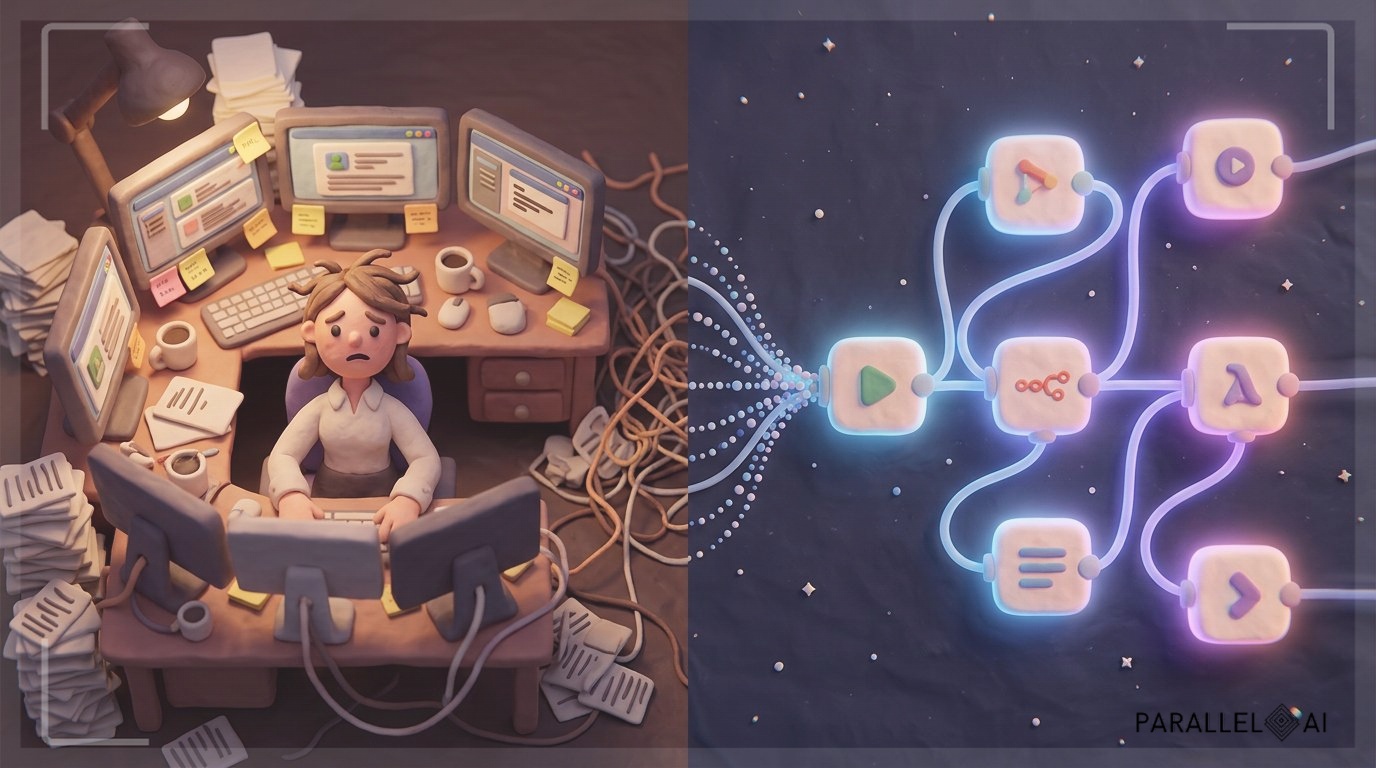
Last month, a micro-agency owner told me she was spending $4,800 a month on two overseas virtual assistants. One managed her calendar and client follow-ups. The other handled lead research and CRM updates. Both were reasonably competent, but tasks kept falling through the cracks. Missed follow-ups, duplicate data entry, and a constant back-and-forth that ate into her evenings.
She isn’t alone. According to the U.S. Small Business Administration, 76% of small business owners now use AI tools for core operations, but many are still paying for human help on repetitive tasks that automation could handle in seconds. The ironic part is that those VAs were often using the very automation tools she could have deployed herself.
This post isn’t about firing people. It’s about freeing yourself, and your budget, from the bottleneck of manual, repetitive work. I’m going to show you seven specific n8n automations that can replace a $5,000/month virtual assistant, with zero code. These workflows handle everything from lead enrichment to content publishing, and they run while you sleep.
Here’s what you’ll get: step-by-step breakdowns of each automation, real-world examples of solopreneurs using them, and a clear path to implement them without needing a developer. If you’re running an agency or consultancy and want to reclaim 20+ hours a week, these workflows will pay for themselves in the first month.
The Hidden Cost of Virtual Assistants
Virtual assistants appear cheap, at $8 to $15 per hour on popular platforms. But the true cost goes deeper.
The coordination tax: For every hour a VA works, you likely spend 15-20 minutes writing instructions, reviewing output, and fixing mistakes. A 30-hour-a-week VA can easily consume 6-7 hours of your time. That’s nearly a full day of your week lost to management.
The inconsistency problem: Human assistants get sick, change jobs, or simply have off days. One solopreneur in a Reddit thread I reviewed described cycling through four VAs in eight months before giving up on the model entirely. Each transition meant retraining, re-explaining brand voice, and losing accumulated context.
The scaling ceiling: A single VA can handle perhaps 50-60 personalized outreach messages a day, or manually update a few hundred CRM records. AI agents running the same workflows process thousands of records with zero fatigue. According to Datagrid’s 2025 research, sales teams using AI agents report 81% revenue growth and save 2-5 hours weekly, and those teams were already using VAs before switching.
But I’m not saying we should replace humans entirely without guardrails. The most successful solopreneurs blend automation for repetitive volume tasks with human oversight for strategic decisions. The n8n automations below are designed for exactly that: they handle the grunt work, while you and any remaining team focus on relationships, creativity, and closing.
7 n8n Automations That Replace Your Expensive VAs
n8n is an open-source workflow automation platform that connects 300+ apps and runs on your own server. Unlike Zapier or Make, it’s free for self-hosted use, and you own your data completely. That matters when you’re handling client information.
Here are seven specific automations I’ve seen micro-agencies deploy to eliminate $4,000–$6,000 in monthly VA costs.
1. Automated Lead Research and Enrichment
The old VA task: Your assistant receives a list of company names from a sales navigator export, then manually searches LinkedIn, company websites, and Crunchbase to fill in contact details and firmographics. This takes 3-4 hours per list of 100 companies.
The automation:
– Trigger: A new row in a Google Sheet or a webhook from your lead source.
– n8n workflow: It pulls the company domain, calls Clearbit or Hunter.io APIs to find email formats and key contacts, scrapes LinkedIn for recent job changes (with proper rate limiting), and enriches the record with industry, size, and funding data.
– Output: A fully enriched CRM record in HubSpot, Pipedrive, or your tool of choice, without anyone touching it.
Real result: A B2B consultant I spoke with cut lead research time from 12 hours per week to zero. Errors dropped because the API pulls verified data rather than VA guesses.
2. Multi-Channel Outreach Sequences
The old VA task: VAs send personalized emails, LinkedIn connection requests, and follow-ups based on a manual spreadsheet schedule. They forget steps, send duplicate messages, or use templates that feel robotic.
The automation:
– n8n watches for enriched leads entering a specific stage in your CRM.
– It triggers a sequence: Day 1: personalized email via Gmail/Outlook node. Day 3: LinkedIn connection request (using a LinkedIn API or browser automation node). Day 5: if no reply, an SMS via Twilio.
– Each message pulls dynamic fields (first name, company, recent trigger event) from the enriched lead data, so they read as personal notes, not mail merges.
– If a lead replies, the sequence stops and notifies you on Slack.
I’ve seen small agencies run 500+ personalized outreach sequences simultaneously with this setup, something no human VA could manage.
3. Meeting Scheduling and Calendar Management
The old VA task: Back-and-forth emails to find a time that works, then manual reminders, then rebooking when someone cancels.
The automation:
– A Calendly or SavvyCal node in n8n detects a new booking.
– The workflow creates a Zoom/Google Meet link, adds it to the calendar event, sends a confirmation email with any prep materials, and tags the contact in the CRM as “Meeting Booked.”
– 24 hours before, it sends a reminder with a one-click reschedule link.
– Post-meeting, it triggers a follow-up email with a summary and next steps (pulled from a template you maintain).
This alone can reclaim 5-7 hours a week that VAs spend on scheduling coordination. One agency owner reported a 40% reduction in no-shows simply because the reminder sequence was flawlessly consistent.
4. Customer Support Ticket Triage
The old VA task: Monitor a support inbox, categorize inquiries, assign priority, and draft responses based on a knowledge base.
The automation:
– n8n watches Gmail or a helpdesk inbox (like Freshdesk or Zendesk).
– An AI node (OpenAI or Anthropic) classifies the intent: billing, technical, feature request, or sales inquiry.
– It auto-responds with relevant help articles for common issues, or creates a task in your project management tool for complex ones.
– It even drafts a response for your review using your own knowledge base documents.
Agencies that implement this report that 60-70% of support tickets never reach a human, while response time drops from hours to under a minute. The AI doesn’t get tired or frustrated, and your clients get instant acknowledgment.
5. Content Generation and Publishing
The old VA task: Write social media posts, blog drafts, or email newsletters based on your topic list. VAs often produce inconsistent quality that requires heavy editing.
The automation:
– You add a topic or rough idea to an Airtable base or Notion database.
– n8n triggers an AI call to generate a draft, using your specific brand voice guidelines (which you load as a system prompt in the AI node).
– The draft is sent to a Google Doc for your review. Once you approve (a simple checkbox), n8n publishes it to WordPress, LinkedIn, or your email platform via API.
– You can even set up an image generation node that creates accompanying graphics with DALL·E or Stable Diffusion.
This doesn’t eliminate the need for a content strategy, but it slashes the cycle from idea to published piece from 2-3 days to 30 minutes of your review time. One solopreneur I track now publishes daily on LinkedIn with this workflow, while previously a VA could only manage 3 posts a week.
6. Data Entry and CRM Updates
The old VA task: Manually updating deal stages, moving contacts between lists, inputting call notes from scattered sources.
The automation:
– Webhooks from your phone system (Aircall, JustCall) or Zoom transcripts feed into n8n.
– The workflow extracts action items and key details using AI summarization.
– It then updates the relevant CRM record with the call summary, next steps, and follow-up tasks.
– It also logs the activity so you have an automatic audit trail.
This is the most tedious VA task and the most error-prone. Automation reduces CRM hygiene issues dramatically, and your pipeline reporting becomes accurate without anyone manually typing data.
7. Reporting and Dashboard Creation
The old VA task: Pull data from multiple platforms every Monday morning, compile a report in Google Sheets, and format it for a client or internal review.
The automation:
– n8n connects to your analytics tools, CRM, ad platforms, and financial software via their APIs.
– It pulls the metrics you care about, leads generated, meetings booked, revenue closed, ad spend, on a schedule.
– It populates a Google Sheets template, generates charts, and emails the report as a PDF or a link to a live dashboard.
– You can set it to send to clients automatically, complete with your branding.
Agencies using this reclaim 4-6 hours every Monday and eliminate the delay of manual reporting. Clients get consistent, on-time updates, which increases retention.
How to Implement These Automations Without Coding
I know what you’re thinking: “This sounds great, but I’m not a developer.” Neither were the solopreneurs I interviewed. Here’s how they made it work.
Start with n8n’s templates. The platform offers hundreds of pre-built workflows. For each automation above, there’s likely a template that’s 80% of the way there. You modify it by swapping in your own apps and email addresses.
Use the visual editor. n8n’s drag-and-drop interface is intuitive. You connect nodes (triggers, actions, conditions) like building a flowchart. If you can map out a process on a whiteboard, you can build it in n8n.
Use the community. The n8n forum and Discord are active with solopreneurs sharing exact workflows. Chances are someone has already solved your specific challenge.
Start small. Pick the one automation that currently consumes the most VA time, likely scheduling or lead enrichment, and deploy just that. Live with it for a week, tweak, then add the next. Within a month, you can have all seven running.
A word on AI nodes: n8n recently introduced native AI nodes for OpenAI, Anthropic, and others. These let you add intelligence to any workflow, classifying emails, generating content, summarizing transcripts, without writing API code yourself. That’s the big shift for non-technical users.
The Trust Factor: Why n8n Self-Hosting Matters
One of the biggest objections solopreneurs face when reselling AI services is trust. “Where does my client data go?” “What if the platform disappears?”
This is where n8n’s self-hosted architecture provides a unique advantage. When you run n8n on your own server (a $20/month VPS or even a Raspberry Pi), you control every byte of data. No third party ever sees your clients’ CRM records, email content, or financial reports.
This matters more than ever. McKinsey’s latest State of AI report found that while 79% of organizations are adopting AI agents, only 10% are scaling them successfully. The main barriers are data privacy and integration complexity. Self-hosted n8n solves both: you own the infrastructure, and you connect directly to your tools without intermediary servers.
For white-label agencies using Parallel AI, the combination is powerful. Parallel AI’s unified AI agents handle the heavy lifting, outbound sales, content generation, voice and chat support, while n8n automates the connective tissue between your CRM, scheduling, and reporting tools. The result is a complete, self-owned automation stack that feels custom-built for each client.
Your Automation Roadmap Starts Today
The solopreneur I mentioned at the beginning now runs all seven automations. She let go of both VAs and reinvested the $4,800 monthly savings into client acquisition. Her agency grew 30% in the following quarter, not because she worked harder, but because her operations ran without her.
That’s the real promise of these automations: they don’t just cut costs; they create capacity. Capacity to take on more clients, to raise your rates, to finally take weekends off.
You don’t need to deploy all seven at once. Start with the one that frustrates you most right now. Open n8n, grab a template, and spend an afternoon building your first workflow. By next week, you’ll wonder why you ever paid someone to do what a computer can do in seconds.
If you’re looking to go further, to add AI-driven sales outreach, voice agents, and content engines that operate as full members of your team, Parallel AI’s platform integrates smoothly with n8n and gives you AI employees ready to work alongside your automations. Explore how solopreneurs are building entire revenue teams without adding headcount at Parallel AI.
Related reading
- The Essential AI Resource Toolkit: 12 Free and Premium Tools Every Solo Consultant Needs in Their Stack
- 7 n8n Automations That Replace $5k/Month VAs
- 200+ Free n8n Workflow Templates That Save Solopreneurs 100+ Hours Monthly (Without Writing a Single Line of Code)
- 5 No-Code AI Tools That Replace Your Tech Team