
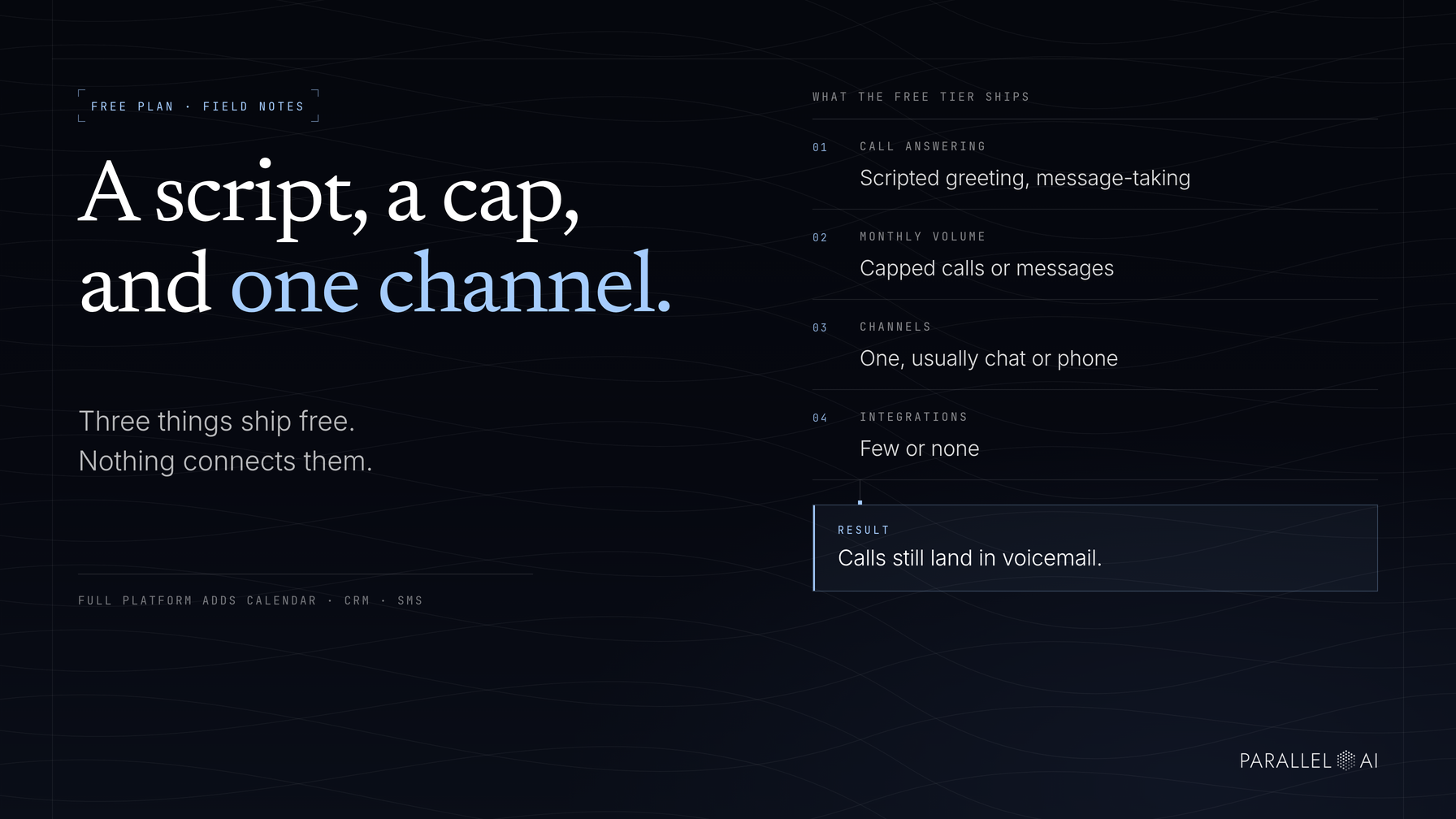
A free AI receptionist usually gives you a scripted call greeting, a monthly cap on calls or messages, one or two channels, and little to no connection to the tools your business already runs. It's enough to stop some calls from hitting voicemail. It's not enough to run a front desk on.
That distinction matters if you own a shop, clinic, agency, or local service business where missed calls mean missed revenue and nobody has spare hours to learn new software. This post covers what free plans include, where they hit walls, the signals that it's time to pay, and how to run a trial that tells you something real within a week.
What a free AI receptionist plan typically includes
Free plans exist to prove the concept works, not to run your operations. Expect three things: a script, a cap, and a single channel. Here's what each one looks like in practice.
Basic scripted answering
The heart of every free plan is a scripted greeting. Your AI receptionist picks up, names your business, answers the questions you anticipated, and takes a message when it can't help. A salon's free-tier setup can handle "What are your hours?" and "Do you take walk-ins?" without any trouble.
The weakness shows up the moment a caller goes off-script. Pricing details, insurance questions, whether a specific stylist works Saturdays, a scripted system can't reason past its script. It either guesses or falls back to message-taking, and a caller with a specific question hears both as "wait for a callback."
Capped call and message volumes
Free plans limit total work per month: a set number of minutes, calls, or messages. The cap feels generous in a slow month and runs dry in a busy one. Once it's gone, calls go to voicemail exactly as they did before you signed up.
One channel, few or no integrations
Most free plans cover a single channel, often web chat or basic phone answering, while paid tiers add SMS, WhatsApp, and email. Integrations are the thinnest part. Messages land in the vendor's app, and moving them into your calendar or records is manual work you do yourself.
Here's how the gap usually breaks down:
| What you need | Typical free plan | Full platform |
|---|---|---|
| Call answering | Scripted greeting, message-taking | Custom scripts, natural conversation |
| Monthly volume | Capped calls or messages | Higher or unlimited use |
| Channels | One, usually chat or phone | Phone, SMS, WhatsApp, web chat, email |
| Integrations | Few or none | Calendar, CRM, and knowledge base sync |
| After-hours logic | Rare | Different handling by time and day |
| Meeting booking | Rare | Direct booking into your calendar |
| Handoff to your team | Name and number | Full context routed to the right person |
Where do free AI receptionist plans hit their limits?
Free plans don't fail loudly. They fail quietly, in ways that cost you customers you never hear about. Five walls show up first.
Message caps that end mid-month. When you hit the limit, coverage simply stops, often during the week you needed it most. Holiday seasons, local ad pushes, and sudden press attention are exactly when call volume spikes and free coverage thins out.
No CRM sync. Every captured lead lives in the vendor's app instead of your records. Someone has to retype names, numbers, and requests, and details get lost in the transfer. A lead that was captured perfectly but never entered your follow-up system is still a lost lead.
No after-hours logic. A free receptionist treats a 2 a.m. Sunday caller exactly like a Tuesday-morning one. It can't route urgent issues differently or leave a different message after hours. For businesses where evening and weekend calls are the valuable ones, that's a real gap.
No meeting booking. "Someone will call you back" is friction. Callers who wanted an appointment this week often book with whoever can confirm one now. Booking directly into your calendar during the call is the difference between a booked job and a maybe.
Generic handoff. Weak plans dump a name and number in an inbox. Your team calls back blind and asks the customer to repeat everything they just explained. Customers notice, and it colors their impression of the whole business.
When does paying for an AI receptionist make sense?
Paying makes sense when missed or mishandled calls cost more per month than a subscription would. Watch for these signals in your own business.
After-hours leads going elsewhere. Callers who hit voicemail usually dial the next business on the list rather than waiting for yours. If you operate in real estate, wellness, trades, or hospitality, anywhere people call evenings and weekends, after-hours coverage is often the single biggest reason to upgrade.
Follow-up slipping through the cracks. If messages get taken but not returned the same day, the problem isn't your receptionist. It's the gap between "captured" and "acted on," and that gap is where free plans live.
You are the receptionist. When the owner answers every call at dinner, reschedules work around the phone, and can't take a Saturday off without losing leads, coverage has become a personal cost. Software is cheaper than burnout.
Hiring feels like the only fix. A part-time front-desk hire typically costs far more per month than an AI plan. If you're considering hiring mostly to answer phones, test an AI receptionist first. Once after-hours leads start converting, the math settles itself.
None of these signals require technical evaluation. They're all visible in your call log, your voicemail count, and your own calendar.
How to test an AI receptionist during a free trial
A free trial only tells you something if you test it the way customers really call. Most people poke at settings, never make a real call, and learn nothing. Four steps get you a real answer in a week.
Call it with a real scenario
Pick up your personal phone and play your most common caller. Not "test, one two." An actual conversation: "Do you take walk-ins on Saturdays?" "How much is a first consultation?" "Can you fit six of us in tonight?" The questions your real customers asked last week are your test script. If the AI stumbles on your top ten questions, no feature list will fix that.
Watch the handoff to a human
Deliberately ask something the receptionist can't answer, like an insurance question at a clinic or a custom-job request at a contractor. What happens next is the most revealing moment of the trial. A strong system captures who the caller is and what they need, then routes it to the right person with the conversation attached. A weak one takes a name and number and hopes for the best.
Time the knowledge base setup
Before any AI receptionist can answer, it needs to know your business: hours, services, pricing, policies. Time that setup honestly. If it takes days of formatting and uploading, you'll never maintain it, and a stale knowledge base answers confidently with outdated information. The setup worth aiming for is one knowledge base that feeds every channel, so you update once and phone, chat, and email all stay current.
Judge results in hours saved, not features listed
Feature lists don't pay bills. At the end of the trial, count what changed: hours not spent on phone tag, leads captured after hours, appointments booked without anyone touching them. That number, not a checklist of capabilities, is what decides whether paying makes sense.
The example worth trialing: Parallel AI
Parallel AI shows what a full platform does differently from a capped free plan. Its AI employees answer phone, SMS, WhatsApp, web chat, and email, all drawing from one knowledge base you maintain once. They qualify leads, book meetings straight into your calendar, and hand complex issues to your team with the full conversation attached, so nobody calls a customer back blind.
For a small business, the practical difference is coverage with context. The same trained receptionist on every channel, around the clock, escalating to a human when a human is genuinely needed. That's the point where an answering tool starts behaving like front-desk staff.
Free plans prove the concept; full platforms protect your revenue
A free AI receptionist includes scripted answering, capped volumes, a limited channel, and minimal integrations. Enough to test, not enough to rely on. The walls are predictable: message limits, no CRM sync, no after-hours logic, no booking, handoffs stripped of context. Paying makes sense the moment after-hours leads or follow-up gaps cost more than a subscription would. And a trial only tells the truth if you call with a real scenario, watch the handoff, time the setup, and judge in hours saved.
Start the 7-day free trial of Parallel AI and run exactly that test. Load your real FAQs into the knowledge base, call from your own phone, and see how it hands off a question it can't answer. One week of your real call traffic is the fastest way to know whether an AI receptionist pays for itself in the first month, and whether your phone can finally stop depending on you picking up.