
An AI receptionist for small business answers your calls, texts, and chat messages around the clock. It greets customers, answers questions, books appointments, and captures lead details. You don't hire anyone, and you don't learn anything technical. It works the hours you can't: nights, weekends, and the mid-job stretch when your hands are full and the phone rings anyway.
If you run a salon, a home-services company, a professional office, or any small business where missed calls mean missed revenue, this matters to you directly. This post follows one realistic day with an AI receptionist on duty. It covers what the AI handles well, what should go to a human, and how to set everything up with no technical skills. You'll also see how Parallel AI fits the way your business already runs.
What Does an AI Receptionist for Small Business Do All Day?
In practice, the receptionist answers every inbound contact the moment it arrives. It follows the rules you've set for what to say, and it puts bookings, messages, and lead details where you'll see them. The easiest way to understand the job is to follow a few businesses through one ordinary day.
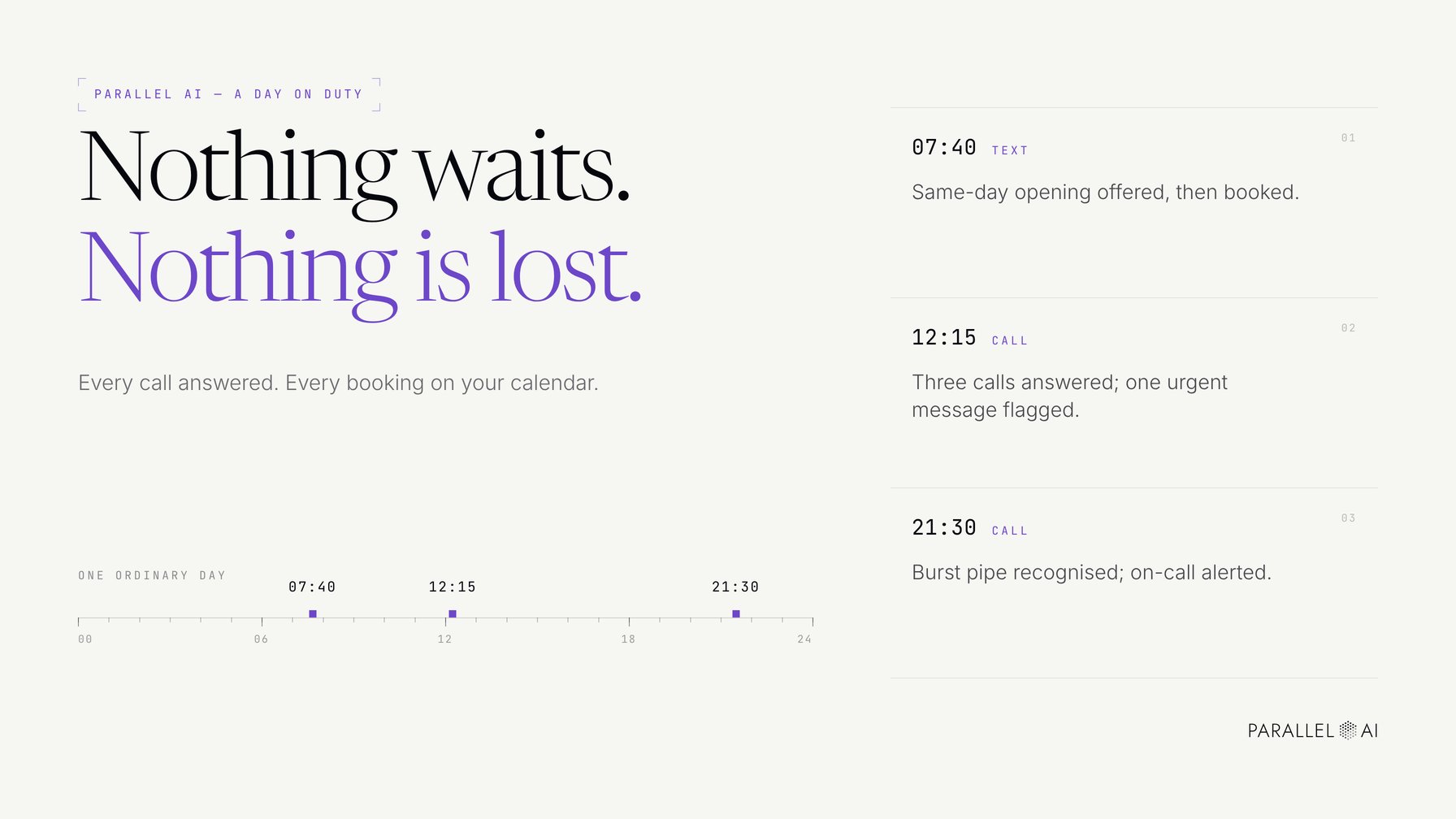
At 7:40 a.m., a salon client texts to ask whether there's a same-day opening. The AI checks the shared calendar, offers the 11:30 slot, and confirms the booking before the owner has poured her first coffee.
At 12:15 p.m., the same salon's owner is mid-color-treatment and three calls come in. The AI answers all three. One becomes a Friday booking. Another caller asks about parking and pricing and gets accurate answers pulled from the salon's own information. The third caller insists on speaking with the owner, so the AI takes a detailed message, flags it as urgent, and moves on.
At 9:30 p.m., a homeowner calls a home-services business about a burst pipe. Voicemail would hand that job to whichever competitor answers live. The AI recognizes the emergency from the keywords the owner configured, captures the address and a call-back number, and sends an immediate alert to the on-call phone.
Next morning, at a professional services office, the same pattern repeats with different details. Every inbound inquiry gets a few qualifying questions about what the caller needs, their timeline, and a rough budget range. The owner returns calls with full context instead of playing phone tag.
The common thread across all four businesses is that nothing waits and nothing gets lost. Every conversation lands in one place with a transcript, and every booking lands directly on your calendar.
What Should an AI Receptionist Handle, and What Should Go to a Human?
An AI receptionist is at its best with high-volume, predictable conversations: hours, services, booking, rescheduling, and capturing who called and why. Anything emotional, sensitive, or high-stakes should go to a person instead. The handoff between the two is what separates a good setup from a frustrating one.
Where an AI receptionist works on its own
These are the jobs you can hand over on day one:
- Answering common questions about hours, location, parking, services, and general pricing you've approved in advance
- Booking and changing appointments, with real-time availability straight into your calendar and no double-booking
- Capturing lead details, including name, number, email, and reason for calling, so nothing depends on a napkin note
- Basic lead qualification, using a few consistent questions that separate ready-to-buy callers from browsers
- After-hours coverage, answering, logging, and escalating true emergencies at 11 p.m. on a Sunday
When a human should step in
Keep these conversations for yourself or your senior staff:
- Frustrated or upset customers. Empathy is the job here, so the AI should transfer the call with full context rather than troubleshoot.
- Custom or complex quotes. If the answer isn't in your knowledge base, the honest move is a warm handoff, not an improvised guess.
- Negotiations and sensitive conversations. Anything involving contracts, disputes, or detailed personal situations belongs to you.
The mechanics of the handoff matter as much as the rules. A good handoff means a warm transfer, or a structured message marked urgent, with everything the caller already said attached. It never means 'please call back later.' You or your on-call tech picks up in seconds with context, not the next business day starting from zero.
How Do You Set One Up Without Technical Skills?
Setting up an AI receptionist for small business is mostly writing down what you already know, then deciding what happens in a handful of edge cases. No code, no IT consultant, no six-week rollout.
- Pick your first channel. Start where you leak the most money, usually the phone, and add SMS, web chat, WhatsApp, or email once the first one is solid.
- Load your knowledge base. Paste in your hours, services, service area, pricing approach, and the questions customers really ask. Write answers the way you'd say them out loud, not like a policy manual.
- Connect your calendar. Bookings go straight into open slots, and the AI only offers times that are genuinely free.
- Set your handoff rules. Decide what transfers to you live, what becomes a message, and what triggers an after-hours alert. A rule like 'if a caller mentions cancelling, transfer immediately' takes two minutes to write and saves real customers.
- Test like a customer. Call your own business and try to break it: interrupt, mumble, ask something odd. Read the transcripts, find the gaps, and fill them in.
If you've been burned before by software that promised the world, this is the part to appreciate. You can start with one channel, one test period, and full control over what goes live. Nothing reaches your customers until you say so.
The common mistakes are a vague knowledge base ('call for pricing' when callers just hang up), no handoff rules, and testing only the happy path. After the first week, check three things: how many calls were answered outside business hours, how many turned into bookings, and where the AI had to hand off. That gap list becomes your knowledge-base to-do list, not a reason to give up.
How Parallel AI Fits Into This Workflow
Parallel AI is an all-in-one AI automation platform. The receptionist is one part of a single system that covers the whole front desk, so you're not juggling another disconnected tool.
- Omni-channel agents answer phone, SMS, WhatsApp, web chat, and email. You set them up once, and every channel speaks with the same voice.
- A shared knowledge base feeds every AI employee from the same source of truth: your hours, services, and policies. The phone agent and the web chat agent never contradict each other.
- Follow-up sequences reach out automatically across your channels when a caller qualifies as a lead, so the morning texter who wasn't quite ready doesn't quietly disappear.
- Scheduled tasks run with human approval. Routine work happens on schedule, and nothing customer-facing goes out until you've approved it.
For a small team, that last point is the one that lets you sleep at night, literally. You get around-the-clock coverage without giving up the final say on anything a customer sees.
Stop Missing Calls Without Adding Headcount
- An AI receptionist for small business answers every call, text, and chat around the clock and books appointments straight into your calendar.
- It owns the predictable work: FAQs, bookings, lead capture, and qualification. Emotional or high-stakes conversations go to a human, with full context attached.
- Setup takes a knowledge base, a connected calendar, and a handful of handoff rules. No technical skills required.
- Parallel AI brings phone, SMS, WhatsApp, web chat, and email onto one knowledge base, follows up with qualified leads automatically, and keeps a human approving anything customer-facing.
The next step is small and concrete. Try Parallel AI, load your hours, services, and top questions into the knowledge base, connect your calendar, and make a test call. You'll hear exactly what your customers hear before a single live call reaches it, and you'll know the same day whether your business ever has to miss another one.