
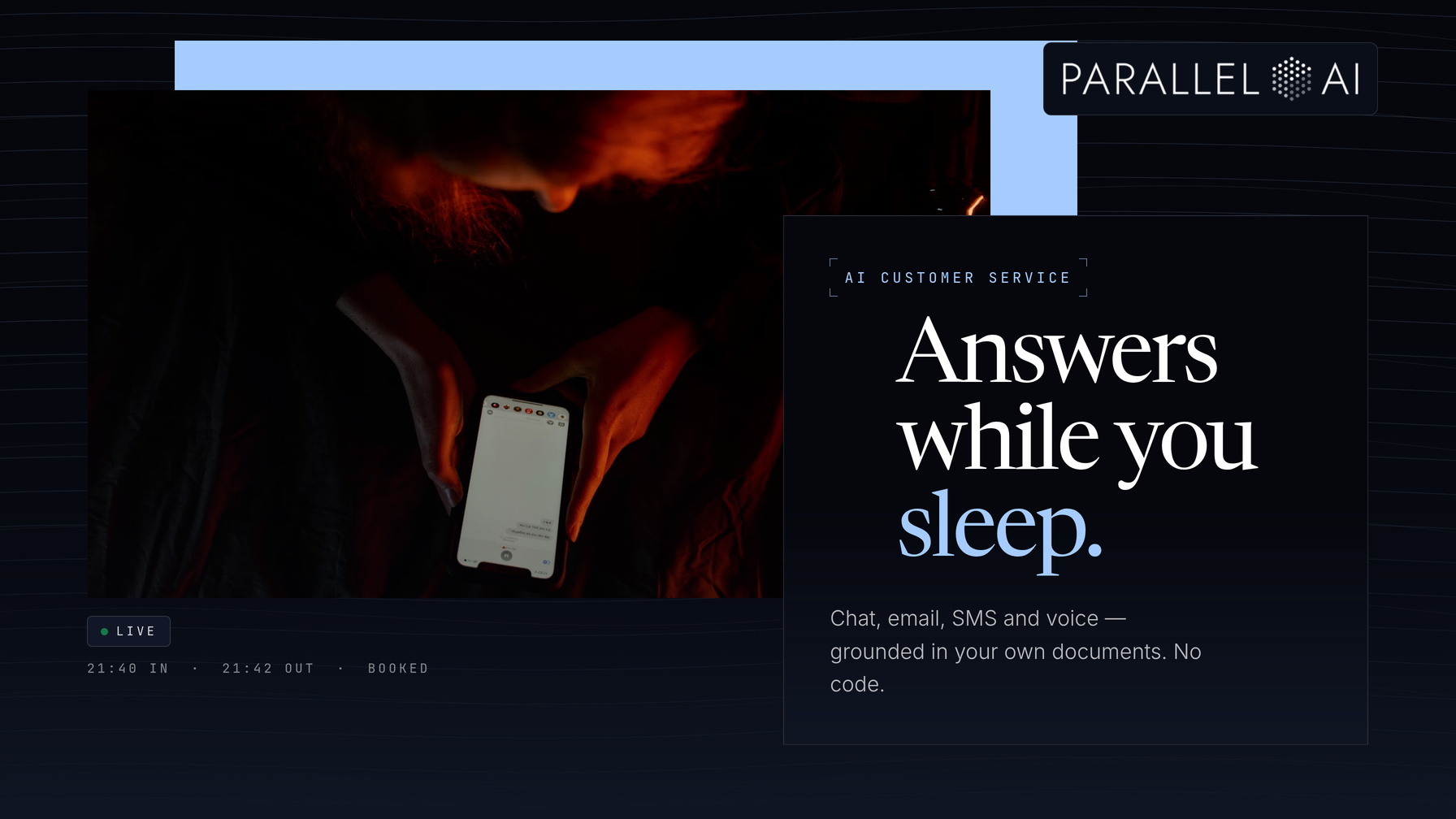
AI customer service for small business is now an affordable, practical way to answer every customer question around the clock without hiring anyone. If you run a 1-10 person business, you know the problem well. Customers call, email, and message after hours, on weekends, and during the one hour you finally sat down to do paperwork. Every missed conversation is missed revenue.
This guide is written for owners and office managers who are not technical. It covers what AI customer service actually looks like at your size, walks through a step-by-step setup across chat, email, SMS, and phone, and shows how a platform like Parallel AI can handle the work with its AI employees, chat agents, voice agents, and knowledge base. No coding. No consultants. No inflated promises.
What AI Customer Service for Small Business Actually Looks Like
Forget the enterprise version of AI support with its dedicated IT teams. At your size, AI customer service means a handful of focused tools that answer real questions from real customers using your own business documents:
- A chat agent on your website and WhatsApp that answers questions instantly, day or night, using your FAQs and policies.
- A voice agent that answers the phone after hours, booking appointments and capturing messages instead of sending callers to voicemail.
- Instant email replies that resolve common questions or book a call before a human ever opens the inbox.
- SMS responses that meet customers where they already are, on the channel they prefer.
The common thread is grounding. Each of these AI employees works from your own material. They do not guess. They answer from the documents you already have: your pricing sheet, your service menu, your return policy.
A concrete example
Picture a two-person landscaping company. A customer emails at 9:40 p.m. asking whether the company services their neighborhood and what a spring cleanup costs. An AI email agent replies within minutes. Yes, you're in our service area. Here's the spring cleanup price, and here's a link to book a slot, pick any time Thursday. The owner wakes up to a booked appointment instead of a cold inbox. That is the entire promise, delivered.
How to Set Up AI Customer Service in 4 Steps
The setup is genuinely simple if you go in order. Here is the process we recommend, and the one we will use throughout the rest of this guide.
Step 1: List the questions customers actually ask
Open a blank document and write down every recurring question you hear, from customers, from your inbox, from voicemails. For most small businesses this list runs 20-40 items: hours, pricing ranges, service areas, how to book, how to reschedule, what happens if it rains.
Do not polish the wording. Write the questions the way customers actually say them. "Do you guys do weekends?" is a perfectly good entry. This list becomes the foundation for everything else, serving as both your testing checklist and the seed of your knowledge base.
If you already have a written FAQ, you are ahead. If you do not, this exercise usually produces one in an afternoon.
Step 2: Load your FAQs and documents into a knowledge base
A knowledge base is exactly what it sounds like: a central store of your business's information that your AI agents read from. In Parallel AI, you upload your existing documents, things like service pages, policy PDFs, pricing sheets, and onboarding emails, and connect tools you already use, like Google Drive, Notion, or Confluence.
Once loaded, your chat agent answers strictly from that material. If a customer asks about your cancellation policy, the agent quotes your cancellation policy, not something invented. If the information is not in the knowledge base, the agent says so and routes the question to you.
One practical tip: keep the knowledge base current. When your prices change or you add a service, update the document. An agent working from outdated information is worse than no agent at all.
Step 3: Configure your chat and voice agents in your brand's voice
This is where the setup becomes yours. In Parallel AI, you configure each agent's tone, personality, and rules, so the AI that greets your customers sounds like your business rather than robotic and generic.
For the chat agent, decide where it lives (website widget, WhatsApp, or both), what it greets visitors with, and what it is allowed to discuss. For the voice agent, record or select the greeting, decide which hours it covers, and give it clear booking rules so it can schedule appointments directly into your calendar.
The key rule for both: give the agent a defined job, not an unlimited one. A chat agent whose job is "answer questions about our services, book appointments, and collect contact details for anything else" will perform far better than one told to "help customers."
Step 4: Set clear handoff rules for when a human takes over
This step separates a good AI setup from a frustrating one. Decide, in writing, exactly when the AI hands a conversation to a human:
- Money disputes or complaints go to the owner immediately.
- Anything the knowledge base does not cover: the agent says it will pass this along and collects the details.
- Anything emotionally charged: a customer who is upset wants a person, and saying so costs you nothing.
In Parallel AI, configuring these handoff rules is straightforward. The agent can notify you, capture the customer's information, and follow up automatically. A customer who hears "Let me get the owner for you" had a good experience. A customer who argues with a bot for ten minutes did not.
There is a bonus worth mentioning too. Every conversation your agents handle generates structured lead data: names, contact details, and what the person was asking about. When an agent qualifies an inbound lead and hands it over with context, your follow-up outreach (which Parallel AI can also automate with sequences) starts from an informed position rather than a cold one.
Which Channel Should You Start With?
Start with the channel where you currently lose the most conversations. For most service businesses, that is the phone after hours or the website chat that nobody answers. Here is a quick comparison to help you decide:
| Channel | Best for | Setup effort | Typical job |
|---|---|---|---|
| Website/WhatsApp chat | Answering questions during and after hours | Low | FAQ answers, booking, lead capture |
| Voice agent (phone) | After-hours and overflow calls | Low-Medium | Answering, message-taking, appointment booking |
| Email agent | Inbound email triage and instant replies | Low | Resolving common questions, booking calls |
| SMS | Customers who prefer text | Low | Quick answers, confirmations |
The honest advice: do not launch all four on day one. Pick one, run it for two weeks, and fix what feels off. Then expand.
"Isn't This Too Complicated for a Business My Size?"
This is the most common objection, and it deserves a straight answer: the technology has changed faster than most advice about it. Modern platforms like Parallel AI were built for exactly this situation, for non-technical users who need results, not a computer science education.
Consider what setup actually requires today: uploading documents you already have, typing answers in plain English, and choosing a voice and tone from a menu. No code. No server. No consultant. If you can use email and edit a document, you can configure an AI agent.
The "too small" objection cuts the other way, too. Small businesses lose proportionally more to missed inquiries. When you have no staff, every unanswered call is a customer who calls a competitor. AI customer service is not about scaling a support department. It is about never missing a conversation again.
The cost question answers itself as well. Parallel AI plans start at $29 a month, with a 7-day free trial and free onboarding. For less than the cost of a few hours of part-time help, you get coverage on every channel, all week.
Start Small, Then Expand Once the Time Savings Are Obvious
Here is the short version of everything above:
- AI customer service at small-business scale means chat, voice, email, and SMS agents answering from your own documents.
- Setup is four steps: list real customer questions, load documents into a knowledge base, configure agents in your brand's voice, and set clear human handoff rules.
- Start with one channel, the one where you lose the most conversations today, not all four at once.
- Handoff rules matter as much as the AI itself. Customers remember how problems were handled, not how fast a bot replied.
- A platform like Parallel AI brings this together: AI employees, chat and voice agents, a document-grounded knowledge base, plus lead data and outreach when you are ready for it.
The next step is simple. Start your 7-day free trial of Parallel AI, take advantage of the free onboarding, and set up one agent, either a website chat or an after-hours voice agent, using the four steps above. Your knowledge base is probably already sitting in a folder on your computer. Once customers stop hitting voicemail and start getting answers, adding the second and third channel will not feel like a decision. It will feel obvious.